See the result as you type
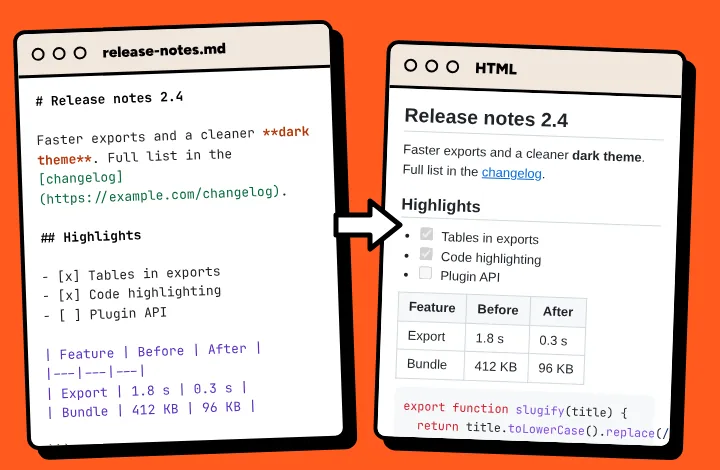
Open the popup and paste your text. The preview updates with every change, so a broken table or a missing line break shows up before anyone else sees it. Your draft and settings stay in the popup when you close it.
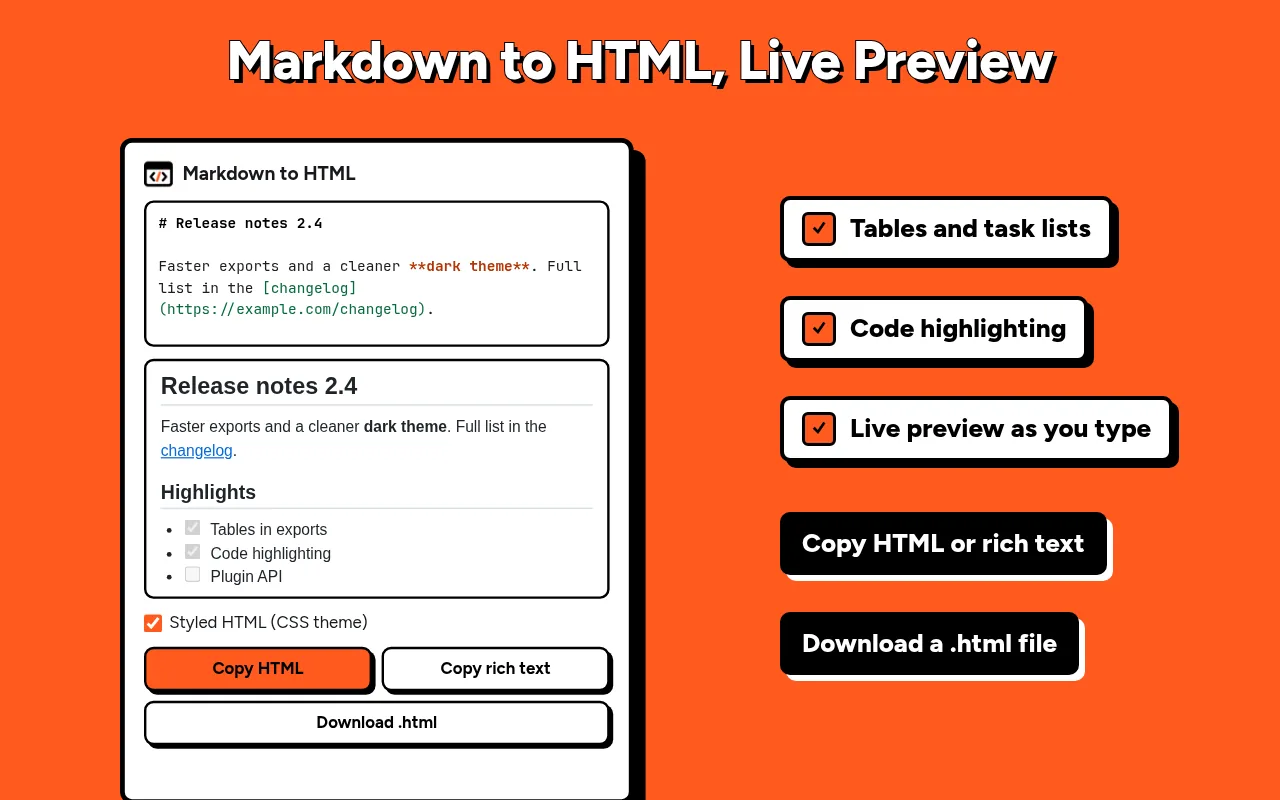
Markdown to HTML
Write in Markdown, check the live preview, then copy clean HTML, paste rich text into an email or save a .html file. One click from the toolbar, and your text stays on your device.
Open the popup and paste your text. The preview updates with every change, so a broken table or a missing line break shows up before anyone else sees it. Your draft and settings stay in the popup when you close it.
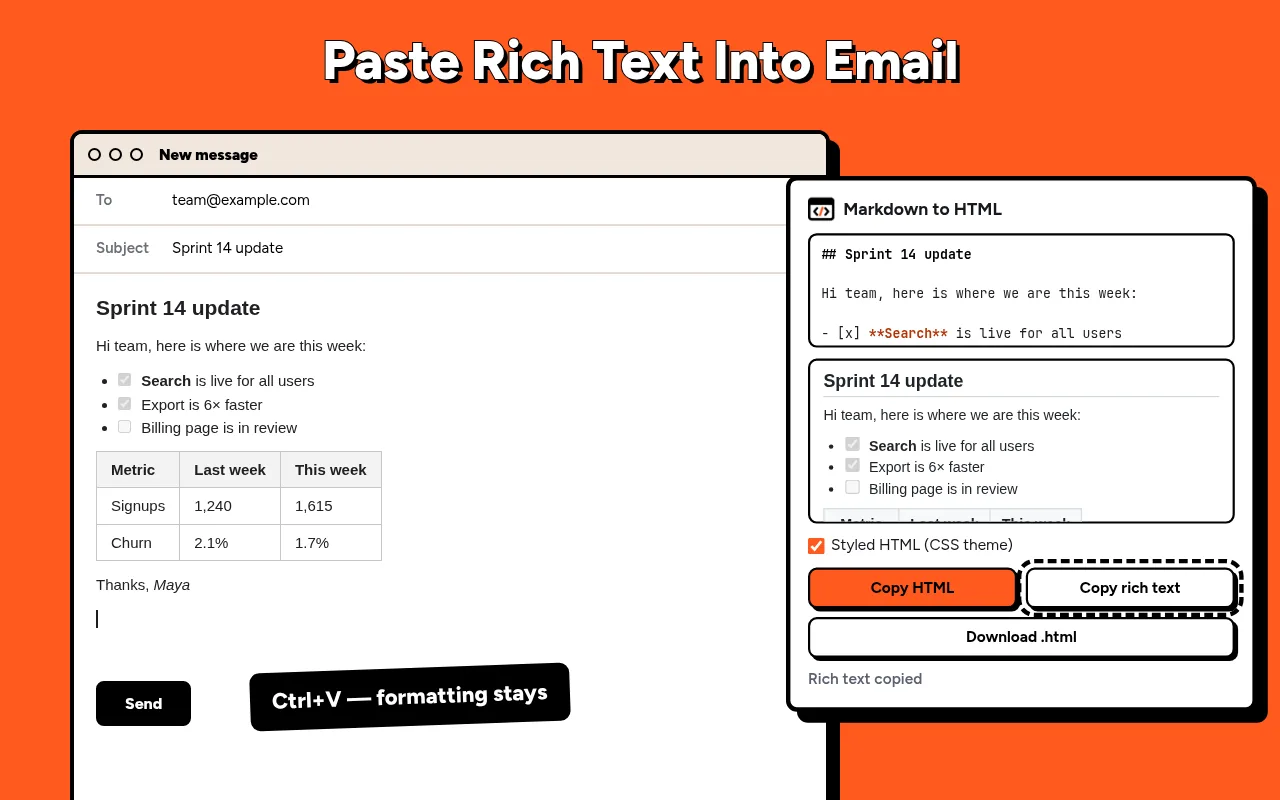
Write the reply with bold, lists and links, press Copy rich text and paste it into the message. Headings and tables arrive intact, with no stars and hashes left over. The same button works for documents and most note apps.
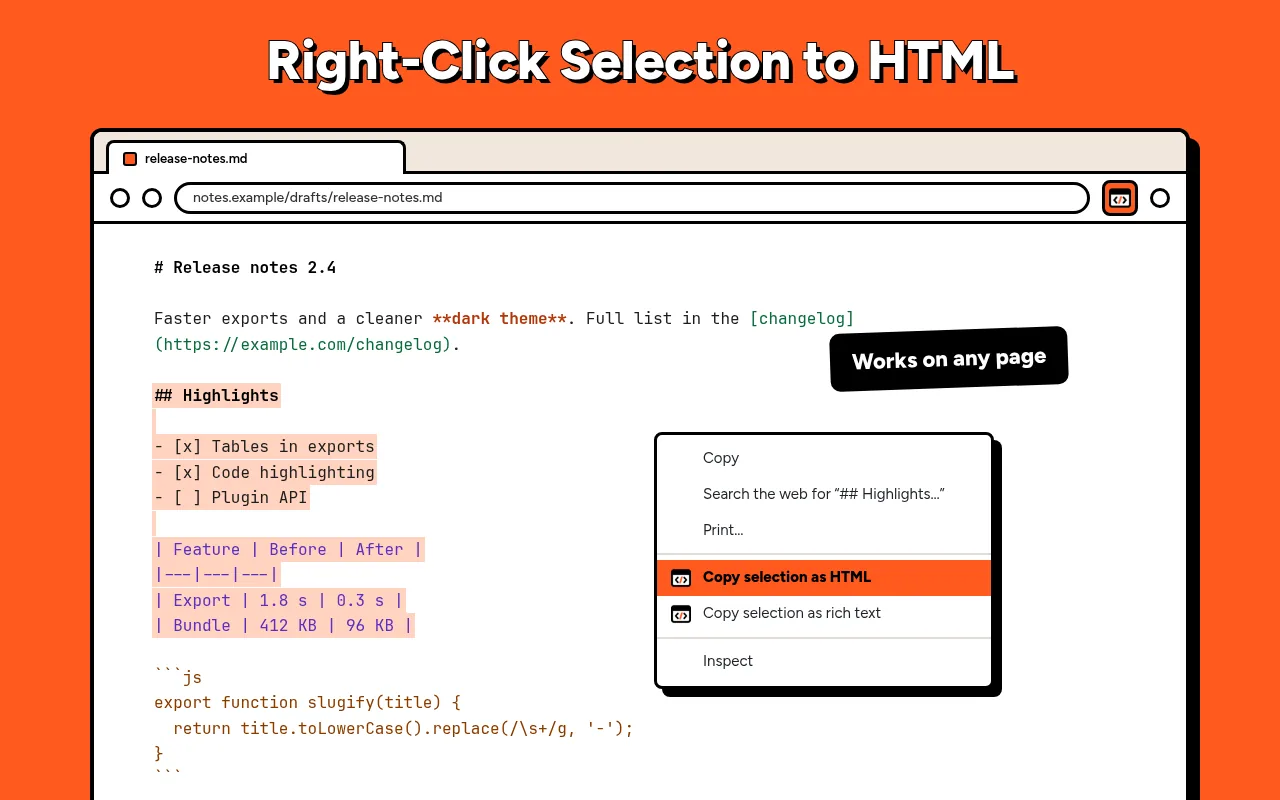
Select Markdown on a site, in an issue or a chat, right-click and choose Copy selection as HTML or Copy selection as rich text. A short note on the page confirms the copy.
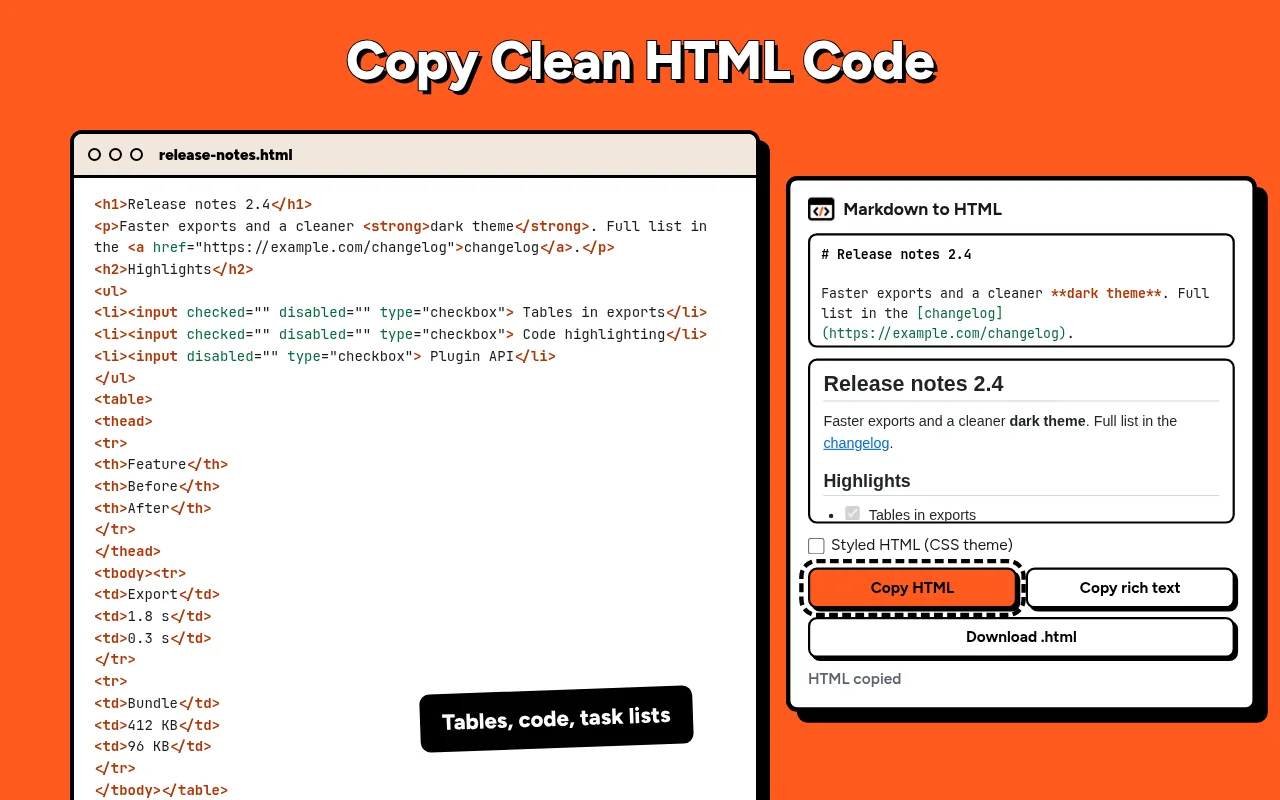
Press Copy HTML and drop the code into a blog or a page editor. Plain, valid tags with no inline styles and no extra wrappers. Keep Styled HTML off when your site has its own CSS.
The conversion happens inside the popup. The extension has no servers, collects no data and does not track you. It reads a page only when you right-click a selection and ask it to copy.
Paste the text into the popup and check the preview. Press Copy HTML to get the code, or Download .html to get a file.
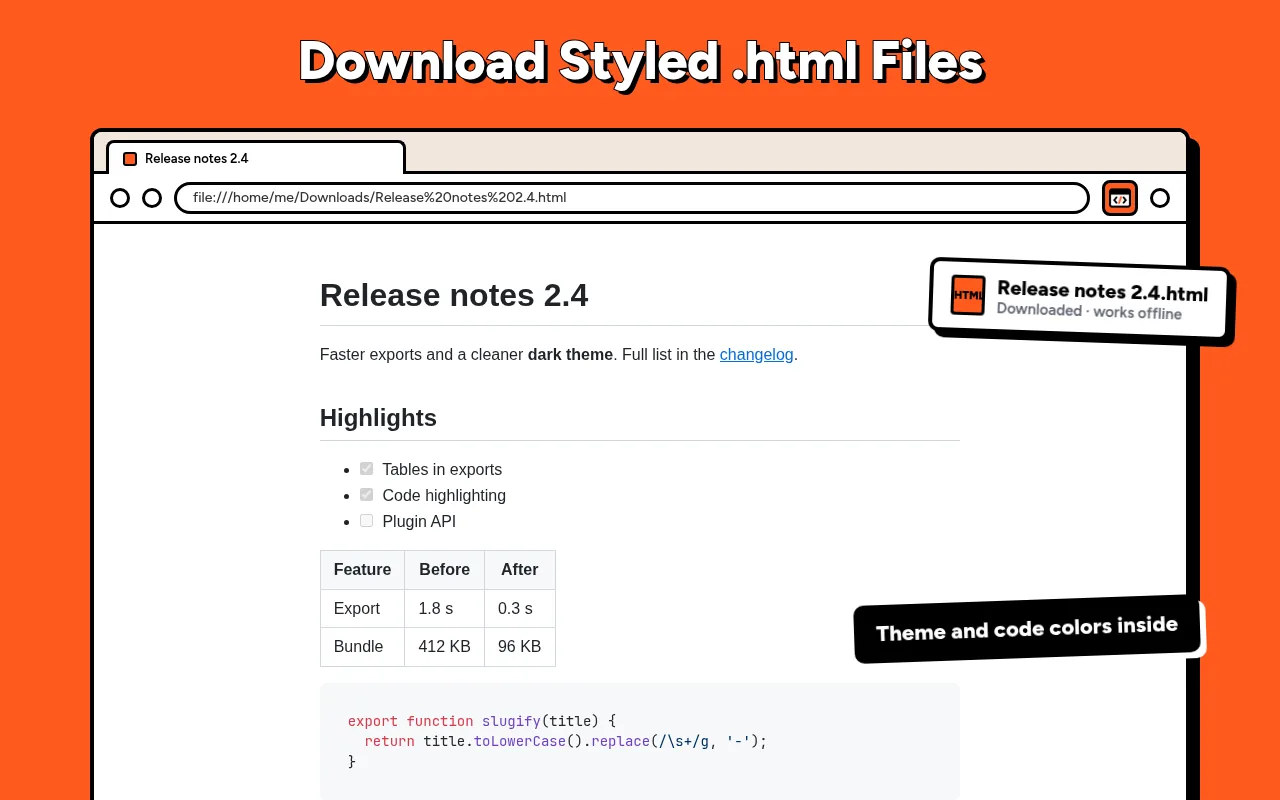
Press Download .html. With Styled HTML on, the theme and code highlighting are inside the file, so it opens with no internet and no external links.
Press Copy rich text, then paste into the message body. Headings, lists, links and tables keep their formatting.
Yes. Select it, right-click and choose Copy selection as HTML or Copy selection as rich text.
No. It converts Markdown you paste or select, and saves web pages only.